video script writing for short-form content means turning one audience promise into timed spoken lines, visible proof, and precise editing instructions. This guide gives you a repeatable method for three-second hooks, 15-, 30-, and 60-second structures, natural teleprompter delivery, B-roll, captions, SFX, payoffs, CTAs, and looping endings.
- Write one audience promise before drafting the hook. Every line and visual should move the viewer toward that promised payoff.
- Format the script by timed scenes, with separate instructions for voiceover, camera, B-roll, captions, SFX, and transitions.
- Read every draft aloud. If a sentence needs careful breathing or sounds formal in conversation, shorten or rewrite it.
- Place the CTA after delivering the promised value, then use the final image or phrase to create a natural loop back to the opening.
What Makes Video Script Writing Different From Essay Writing?
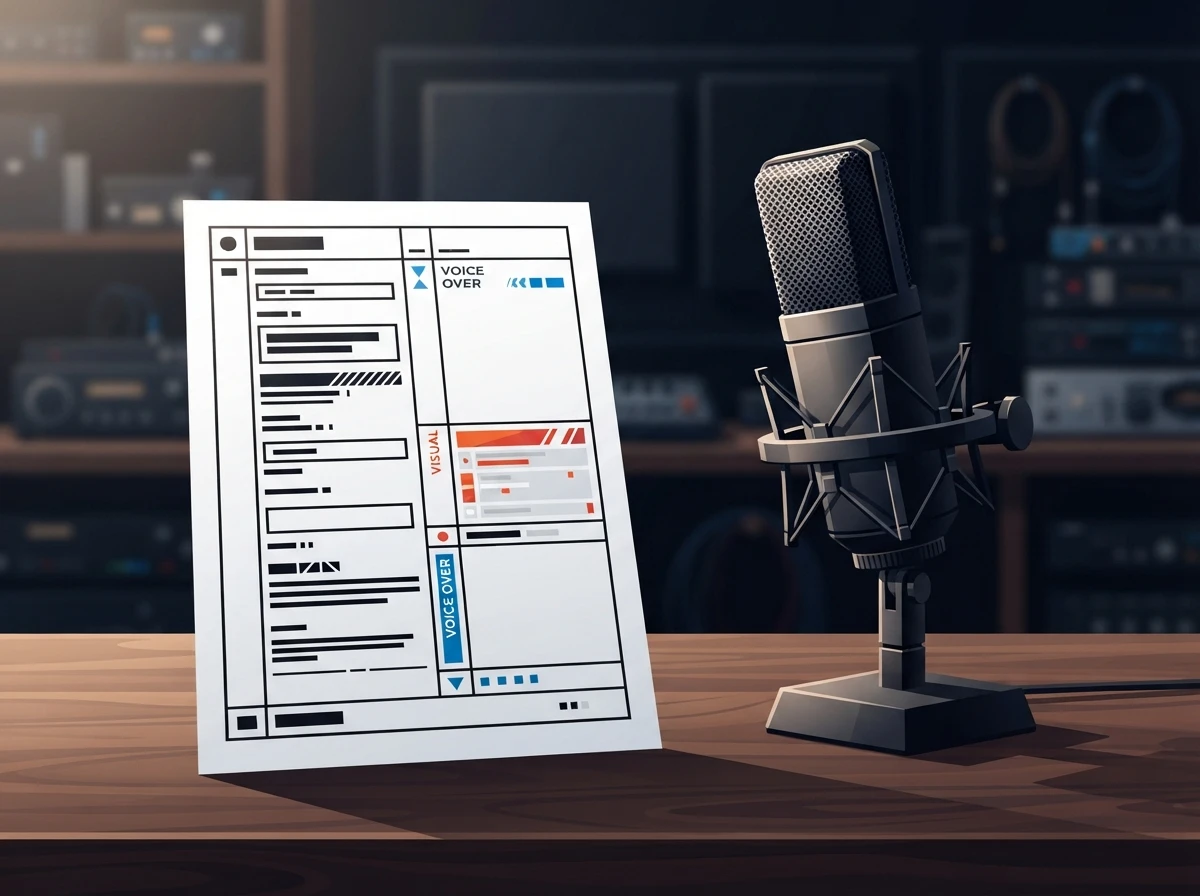
Video script writing coordinates speech, pictures, sound, timing, and viewer attention. An essay only needs to make sense on the page. A short-form script must also sound natural aloud, fit the available footage, and tell an editor what should happen during every beat.
Essay structure usually builds context before reaching the central point. Short-form video reverses that order. The viewer receives the strongest reason to stay first, often through a three-second pattern interrupt such as an unexpected claim, a sharp visual change, or a familiar problem phrased with unusual specificity.
Compare these openings:
| Essay-style opening | Short-form opening |
|---|---|
| “There are several factors creators should consider when improving retention.” | “Your intro is giving viewers time to leave.” |
| “Building trust is an important part of selling coaching services online.” | “Stop opening your coaching videos with your credentials.” |
| “This video will explain how to write stronger hooks.” | “If your hook could introduce any topic, delete it.” |
The short-form versions establish tension immediately. Each one also creates an open loop, an unanswered question the following beats must resolve. Why does the intro cause drop-off? What should replace the credentials? What makes a hook specific enough?
A useful audience promise follows this pattern: “By the end of this video, the viewer will know, see, or be able to do one specific thing.” Write that sentence privately before writing the hook. It prevents the middle of the script from wandering into side points.
Spoken language needs its own edit. Toastmasters' guidance on speech rate places conversational delivery within a broad range because pauses, emphasis, and subject complexity change pacing. Treat word-count calculators as rough planning tools, then time an actual read with the intended energy.
Contractions help. So do sentence fragments. Add line breaks where the speaker should breathe, change emphasis, or allow a visual to land.
How to Write a Video Script for 15, 30, or 60 Seconds
Learning how to write a video script starts with assigning a job to every scene. Short videos usually fail when the writer tries to compress an article into spoken paragraphs. Build in beats instead: hook, setup, progression, payoff, and action.
Use this sequence:
- Define the promise. Choose one viewer, one problem, and one usable outcome.
- Draft the payoff. Write the answer or reveal before the hook so the opening makes a promise the video can genuinely keep.
- Create the hook. Combine a spoken interruption with an immediate visual change.
- Build the minimum path. Include only the evidence, demonstration, or narrative beat needed to make the payoff credible.
- Add the CTA and loop. Ask for one relevant action, then connect the final frame or phrase to the opening.
- Run the production pass. Add timing, camera, B-roll, caption emphasis, SFX, and transition notes after the spoken argument works.
The three common durations need different levels of development. The timings below are working production allocations, not platform rules.
| Format | Recommended beat plan | Best use |
|---|---|---|
| 15 seconds | Hook, one proof beat, payoff, compact CTA or loop | One tip, reaction, reveal, before-and-after |
| 30 seconds | Hook, setup, two development beats, payoff, CTA | Tutorial, opinion, myth correction, product demonstration |
| 60 seconds | Hook, context, several progressive beats, proof, payoff, CTA and loop | Mini-story, case analysis, multi-step explanation |
A 15-second script cannot carry a long setup. Show the problem while naming it. For example, a coach discussing weak discovery calls could open on a calendar full of short appointments while saying, “Your prospects are answering questions, but they are not revealing the real objection.”
A 60-second script has more room, yet every scene still needs movement. Change the information, framing, visual evidence, or emotional pressure. Repeating the same point with different wording produces an essay-shaped voiceover.
For narrative content, map cause and effect before adding style. The AI story generator guide for short-form video explains how to turn setup, conflict, escalation, and resolution into filmable short-form scenes rather than generic story summaries.
How Should Voiceover and Visuals Work Together?
Voiceover should explain what the image cannot communicate by itself, while the visual proves, demonstrates, or reframes the spoken line. Repeating identical information in narration, captions, and footage wastes screen time and makes the edit feel static.
Use a two-track script. The first track contains the exact spoken words. The second specifies what the viewer sees and hears around them.
Here is a compact 30-second example for a creator teaching hook writing:
| Time | Voiceover | Visual and editing direction |
|---|---|---|
| Opening beat | “If your hook starts with ‘Today I want to talk about,’ cut it.” | Tight camera framing. Show the rejected phrase in captions, then strike it out. Add a short cut SFX. |
| Problem beat | “That opening announces a topic. It gives the viewer no reason to stay.” | Pull back to medium framing. Display a generic topic card, then swipe it away. |
| Teaching beat | “Lead with the consequence they already feel.” | B-roll of a retention graph dropping. Kinetic title emphasizes consequence. |
| Example beat | “Say: ‘Your first sentence is losing the sale.’” | Return to camera. Punch in slightly on “losing the sale.” |
| Payoff and CTA | “Write the pain first, then reveal the fix. Save this before scripting your next video.” | Place the two-part formula on screen. End on the same tight framing used in the opening. |
That final framing creates a looping ending because the visual can cut back into the first frame without a noticeable reset. A verbal loop can do the same job: end with a phrase that completes, challenges, or recontextualizes the opening line.
Captions deserve their own instructions. W3C guidance on captions for prerecorded media explains that captions need to convey spoken information and relevant non-speech audio for people who cannot hear the soundtrack. For short-form editing, emphasize only the words that carry meaning. Highlighting every word removes hierarchy.
Keep caption placement inside the visible safe area, away from platform controls. The official YouTube Shorts upload guidance explains the supported vertical and square formats, while the familiar YouTube Shorts aspect ratio still requires editors to account for interface overlays when positioning titles and subtitles.
B-roll directions should name a shootable subject and action. “Show success” is useless. “Overhead shot of three rejected hook cards being replaced by one specific promise” gives the editor a real instruction. If original footage is unavailable, review licensing, motion quality, aspect ratio, and export limits before using stock libraries such as Pexels free stock videos or an image-to-video tool. The image-to-video AI evaluation checklist covers those production checks.
Which Video Script Writing Mistakes Reduce Viewer Retention?
The most damaging video script writing mistakes create delay, confusion, or repetition. Viewers leave when the opening lacks a concrete promise, the middle stops progressing, or the payoff feels weaker than the hook.
A vague hook is the first problem. “Three tips for better content” gives no audience, consequence, or reason to care now. “Three edits that make coaching videos sound rehearsed” identifies the viewer, the problem, and the expected payoff.
The second problem is explaining before demonstrating. If the speaker says a visual technique improves a Reel, show the before-and-after edit during that sentence. Do not save the evidence for later.
Watch for these failures during the read-through:
| Mistake | What the viewer experiences | Practical correction |
|---|---|---|
| Generic opening | No clear personal relevance | Name the specific pain, mistake, or desired result |
| Long context block | The promised value keeps moving further away | Cut history and definitions unless the payoff depends on them |
| Visual repetition | Talking head footage remains unchanged while the idea moves | Add proof, B-roll, reframing, or a purposeful pattern interrupt |
| Essay syntax | Delivery sounds stiff or breathless | Use contractions, shorter clauses, and teleprompter line breaks |
| Premature CTA | The viewer is asked to act before receiving value | Deliver the payoff first |
| Unresolved open loop | The hook feels misleading | Answer the exact question created by the opening |
| Overloaded captions | The viewer cannot identify the key phrase | Emphasize one meaning-bearing phrase per beat |
Brand voice can also damage retention when writers mistake it for decorative vocabulary. A useful voice template defines sentence length, humor boundaries, technical depth, preferred examples, prohibited claims, and CTA style. That gives different writers a consistent operating system instead of a list of adjectives such as “bold” or “authentic.”
Read the complete script into the same teleprompter setup used for recording. Mark every stumble. Awkward delivery usually exposes a sentence with too many dependent clauses, an unnatural transition, or a word the speaker would never choose in conversation.
When Should You Use an AI Video Script Generator?
An AI video script generator is useful when it produces a production document rather than a polished-looking paragraph. The output should include the hook, timed scenes, voiceover, B-roll, camera cues, caption emphasis, SFX, transitions, CTA placement, and looping instructions.
A generic script writing generator often stops after the narration. That leaves the editor to invent the visual logic, which slows production and can weaken the relationship between the claim and the proof. A TikTok script generator should also account for vertical framing, rapid visual changes, interface-safe captions, and conversational delivery.
Before accepting a generated script, check four things in order: whether the hook names a real tension, whether each beat advances the promise, whether every visual direction is filmable, and whether the payoff fully resolves the opening. The TikTok script generator setup and selection guide gives a fuller evaluation method for creators comparing tools.
ViralScript AI structures scripts around three-second pattern interrupts and adds beat-by-beat voiceover, B-roll, camera, caption, SFX, transition, CTA, and looping directions for 15-, 30-, and 60-second formats. That structure is most useful for creators and production teams moving scripts directly into teleprompter recording and post-production.
Automation still needs editorial judgment. Protect the creator's phrasing, remove unsupported claims, replace generic examples, and test every line aloud. Faster drafting only helps when the finished script remains credible and easy to perform.
Frequently Asked Questions
What are some good hooks for social media videos?
Strong hooks identify a specific pain, challenge an assumption, show an unusual visual, or promise a concrete result. Match the spoken hook with a visual interruption so the first beat works with or without sound.
What is the best teleprompter app for using a script?
Choose one that supports adjustable speed, mirrored text, remote control, and line spacing that matches your reading style. The script matters just as much: use short lines, visible pauses, and one spoken thought per block.
Is there a free TikTok script generator available?
Free generators are available, but output quality varies. Check whether the tool provides visual directions, scene timing, caption cues, and editable brand voice rather than narration alone.
Which AI is best for scripts?
The best choice depends on the script type. Short-form creators should prioritize timed scenes, natural spoken delivery, hook variation, production cues, and export options, while screenwriters may need character, dialogue, and long-form story tools.
What are the different types of video scripts?
Common formats include direct-to-camera teaching, voiceover with B-roll, product demonstration, interview, reaction, narrative story, and faceless curated content. Each format needs a different balance of spoken explanation, visual proof, and editing direction.
A high-retention script gives the viewer a specific reason to stay and gives the production team enough detail to execute every beat. Build the promise first, draft the payoff, write the hook, then add timing and visual direction. To turn that workflow into teleprompter-ready scripts, get started with ViralScript AI.