An image to video ai free tool can animate a still photograph without an upfront payment, but credits, watermarks, export resolution, commercial rights, and privacy rules determine whether the result is usable. Before uploading, verify those limits, prepare a vertical source image, write controlled motion instructions, and plan how the clip fits into a complete short-form script.
- Check whether free credits cover failed generations and revisions, not merely the first preview.
- Prepare the image for a 9:16 crop before uploading so faces, products, and caption space stay inside the frame.
- Treat the generated animation as one shot. Retention still depends on the hook, voiceover, B-roll sequence, captions, SFX, CTA, and loop.
- Confirm commercial-use rights, watermark rules, file retention, and model-training permissions before uploading client or unreleased assets.
How to Evaluate an "image to video ai free" Tool
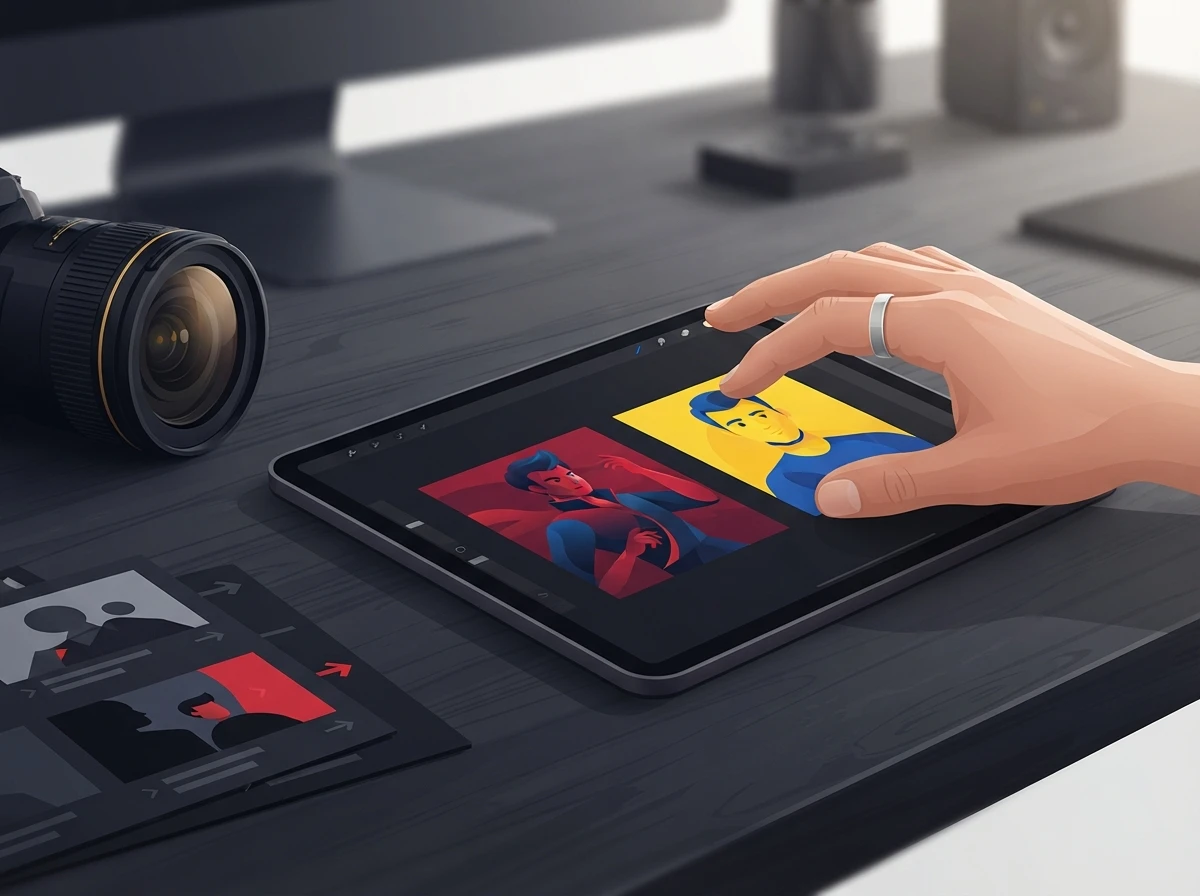
An image to video AI system turns pixels from a still asset into predicted frames. You are choosing how well the model controls subject movement, camera movement, scene consistency, and output quality, rather than simply choosing whether an image can move.
Start with the shot you need. A talking portrait requires stable facial features and restrained head motion. A product reveal needs accurate edges and controlled camera movement. A landscape can tolerate more generative freedom because small changes to clouds, foliage, or light are less distracting than a distorted face or logo.
| Test area | What to request | Failure signal |
|---|---|---|
| Subject control | One specific action, such as a slight head turn | Extra limbs, warped features, or changing clothing |
| Camera motion | A slow push-in, pan, tilt, or orbit | Sudden zooms or movement in the wrong direction |
| Background stability | Subtle environmental movement | Melting walls, drifting objects, or flickering textures |
| Prompt adherence | One subject action plus one camera instruction | The tool ignores either the action or the camera |
| Temporal consistency | Stable identity and object shape across frames | Face, hands, packaging, or text changes mid-shot |
| Export quality | A downloadable file at the promised resolution | Preview looks sharp but the export is compressed |
Run the same source image through each candidate tool. Keep the prompt identical. This exposes genuine model differences and prevents a good source image or lucky generation from distorting your comparison.
A useful motion prompt describes subject action, camera direction, speed, and restrictions. For example: “The subject slowly turns toward the lens while the camera makes a gentle push-in. Keep facial features, hands, clothing, and background structure consistent. No sudden movement.” Adding five competing actions usually weakens control.
Which Limits Make "image to video ai free" Cost More?
An image to video ai free plan becomes expensive when it charges for repeated attempts, reserves clean exports for paid tiers, or blocks commercial use. The advertised generation allowance tells only part of the story because image animation often needs several passes before the motion looks natural.
| Limit | What to verify before generating | Why it changes the real cost |
|---|---|---|
| Generation credits | Whether credits are charged per attempt, second, or resolution | Failed outputs may consume the same allowance as approved clips |
| Watermarks | Whether the downloaded file carries a visible mark | Removing it may require an upgrade or manual reframing |
| Export quality | Resolution, frame rate, codec, and compression | A sharp preview can produce a soft final download |
| Duration | Maximum clip length and whether extensions use more credits | Longer scenes can cost more than several short shots |
| Commercial rights | Whether monetized posts, ads, and client work are permitted | Personal-use access may exclude revenue-generating content |
| Privacy | Storage period, deletion controls, and training permissions | Sensitive assets may remain on the provider’s servers |
| Queue priority | Whether free jobs are delayed during demand spikes | Slow processing can disrupt batch production |
Commercial permission and copyright ownership are separate questions. A provider may allow commercial use under its terms while offering no guarantee that a fully AI-generated element receives copyright protection. The US Copyright Office guidance on artificial intelligence explains that copyright analysis depends on human authorship and the creative control expressed in the finished work.
Read the current terms directly. Interfaces marketed around searches such as google image to video or a Chinese AI video generator can change their regional access, quotas, and rights language quickly. Save a copy of the terms that applied when you generated the asset, especially for sponsored posts or client deliverables.
Free generation also creates an opportunity cost. If a tool needs repeated prompting for every usable shot, paying for predictable control may cost less than rebuilding an edit. Creators comparing the animation expense with the scripting stage can review ViralScript AI pricing and workflow plans before deciding where a paid tool removes the most production friction.
What Should You Prepare Before Using Picture to Video AI?
Picture to video AI performs best when the source already resembles the opening frame you want. Clean composition, sufficient resolution, deliberate negative space, and a simple motion plan give the model fewer visual decisions to invent.
For Shorts, Reels, and TikTok, prepare a vertical crop early. TikTok’s official in-feed ad specifications identify 9:16 as the recommended vertical aspect ratio, while YouTube’s Shorts upload guidance accepts square or vertical videos as Shorts. A practical vertical production canvas is 1080 by 1920 pixels, but the source should retain enough detail to support any planned push-in.
Use this preparation order:
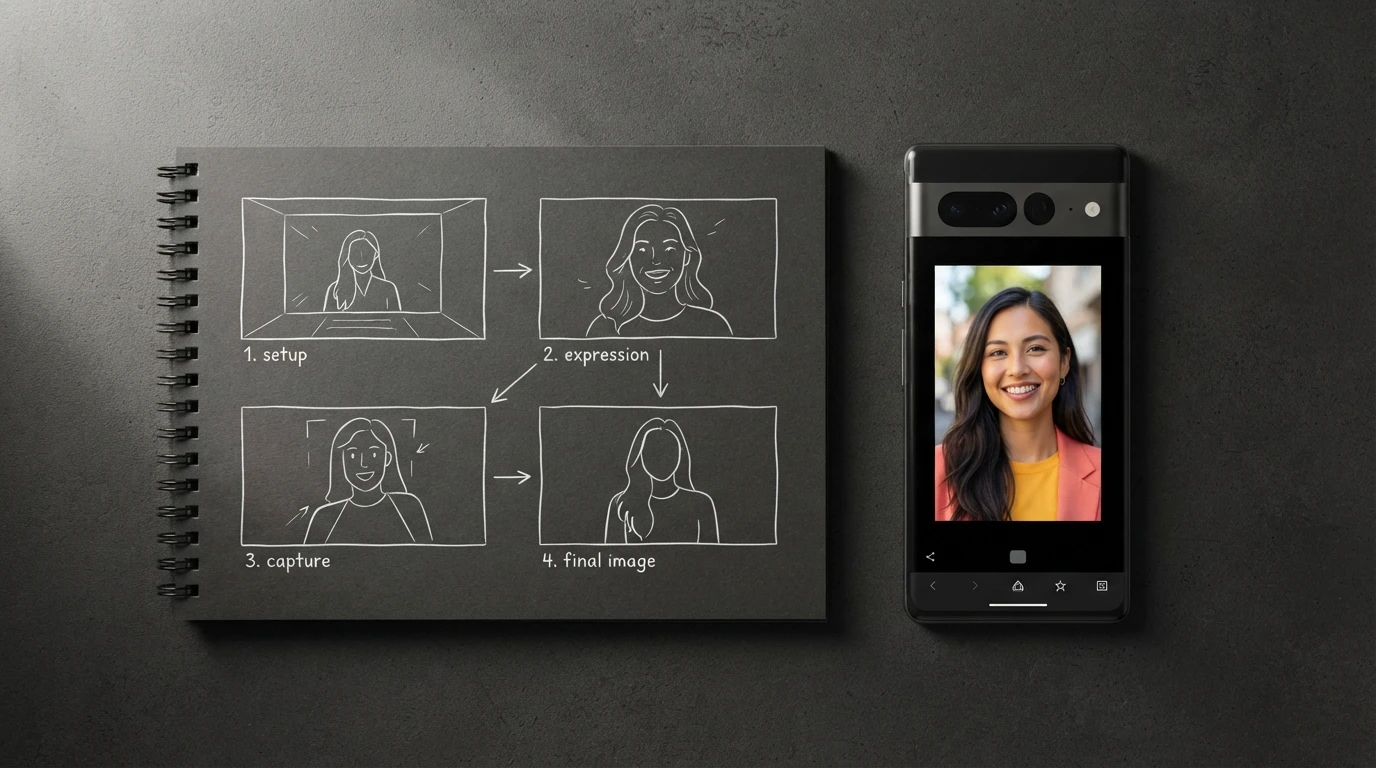
- Create the final crop. Place the main face or product away from interface overlays, and leave uncluttered space for captions.
- Remove avoidable defects. Fix compression artifacts, illegible generated text, awkward hands, and cut-off objects before animation amplifies them.
- Define one movement. Choose a subject action and a camera move that can coexist without visual confusion.
- Strip sensitive data. Remove private documents, location clues, client information, and unreleased product details unless the provider’s privacy terms explicitly support that use.
When you convert image to video AI output, source resolution matters most during crop and camera movement. A static wide shot can survive with less detail. A push-in magnifies softness, skin artifacts, and jagged product edges.
Privacy deserves the same attention as quality. Check whether uploads can be deleted, how long files remain stored, and whether the provider may use submitted assets to train or improve its models. Written consent is sensible when animating another person’s face, particularly for commercial posts or synthetic speech.
How to Write a Video Script Around the Generated Clip
How to write a video script around an animated image comes down to giving that shot one specific job. It might create curiosity, visualize proof, reset attention, or close a loop. A moving portrait rarely carries an entire short without supporting footage and timed information changes.
ViralScript AI builds scripts around a psychology-backed opening pattern interrupt, then supplies beat-level voiceover, B-roll, camera, caption, SFX, transition, CTA, and looping instructions for 15-, 30-, and 60-second formats. That structure solves two common problems: scripts that sound like essays and generated clips with no clear place in the edit.
| Script beat | Role of the animated image | Editing direction |
|---|---|---|
| Opening pattern interrupt | Introduce an unexpected transformation or movement | Start motion immediately and pair it with a short kinetic title |
| Context | Establish the person, object, or setting | Run voiceover while keeping captions away from the focal point |
| Proof or demonstration | Show the consequence described in the narration | Cut to screen recordings, close-ups, or licensed stock footage |
| Attention reset | Reintroduce the animated asset from a tighter crop | Add a restrained transition or one SFX on the visual change |
| CTA and loop | Return to a frame that connects with the opening | End on matching composition so the replay feels continuous |
Caption timing should follow spoken phrases rather than full sentences. Keep each caption visible long enough to read, emphasize only the word carrying the beat, and change the visual when the narration introduces a new idea. Constant kinetic text exhausts the viewer and competes with the generated motion.
Use Pexels free stock videos when the animated still cannot illustrate a concrete action. The Pexels license for free stock footage permits broad personal and commercial use, subject to its stated restrictions. Choose clips that continue the same screen direction and visual energy so the sequence feels intentional.
A video to SFX AI tool can suggest effects from visible movement, but automatic coverage often adds too much sound. Use SFX as punctuation: a soft rise for a push-in, an impact for a reveal, or a click for an interface change. Let the voiceover remain dominant.
For narrative shorts, the AI story generator guide for short-form video explains how to connect hooks, escalation, visual beats, and looping endings. Once the structure is approved, creators can move it into ViralScript AI’s teleprompter-ready script workspace for production.
Frequently Asked Questions
Is there a free TikTok script generator available?
Yes, some script generators offer free access or limited generation. Check whether they provide spoken pacing, shot direction, caption cues, and export options rather than producing a paragraph that still needs to be rebuilt for TikTok.
Is there a free hook generator for animated-image videos?
Free hook tools are available, but the hook must match the first visual. A strong opening pairs an immediate motion change with a specific claim, contradiction, or curiosity gap that the rest of the video resolves.
What are good hooks for image-to-video social posts?
Use hooks that make the transformation meaningful, such as “This photograph was never filmed” or “Watch what changes when the camera moves closer.” Avoid vague openings that delay the subject or explain the production process before showing the result.
What is the best teleprompter app for using a short-form script?
Choose one with adjustable scroll speed, large text, mirror mode, and easy script import. The best option is the one you can operate while maintaining natural eye contact and voice pacing on your recording setup.
Can AI-animated images be used commercially?
Commercial use depends on the generator’s current terms, the rights attached to the source image, and any recognizable people, brands, or copyrighted material it contains. Keep the applicable license and obtain permission for third-party assets before publishing monetized or client work.
Test one real production asset before committing a batch: crop it vertically, run a controlled motion prompt, inspect the clean export, and place the shot inside a scripted sequence. If you need help structuring the voiceover and edit around that asset, reach out to our team with the format and publishing channel you are targeting.