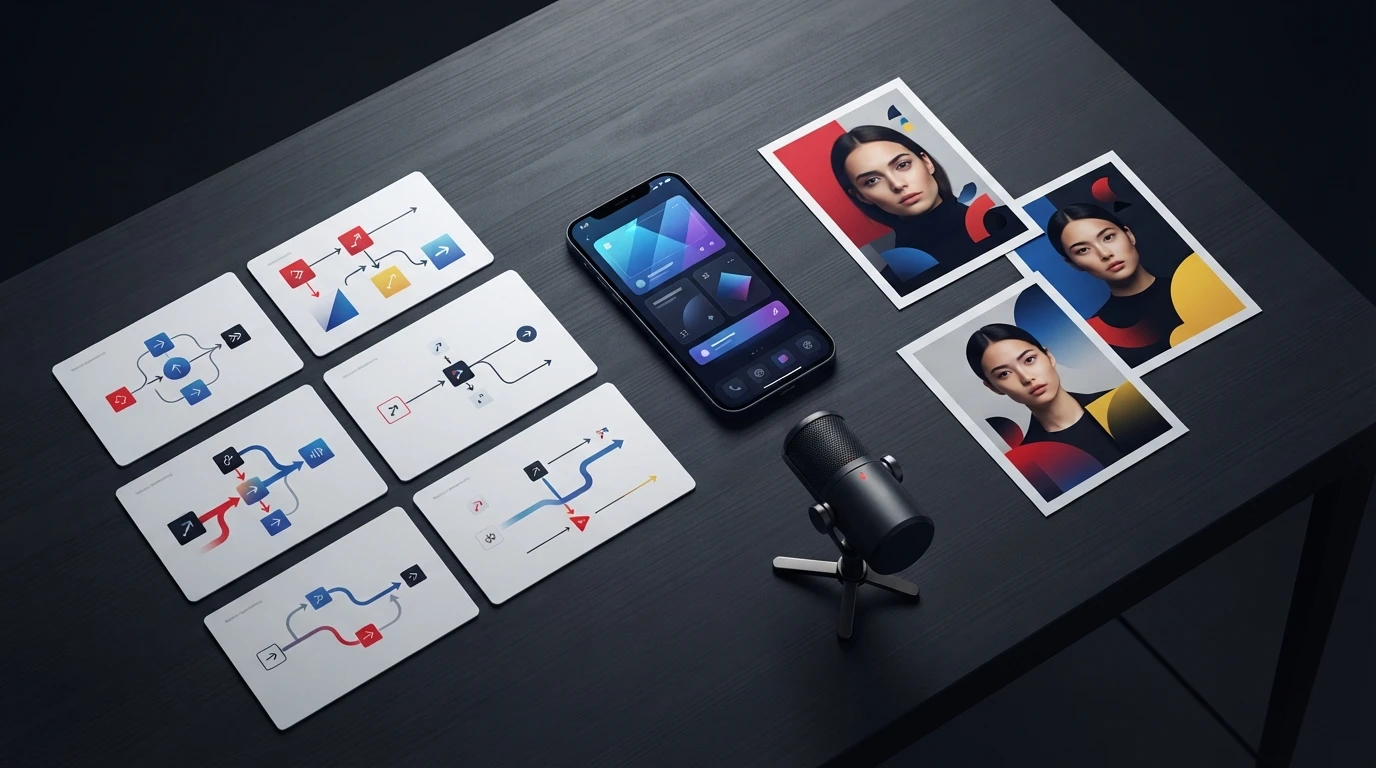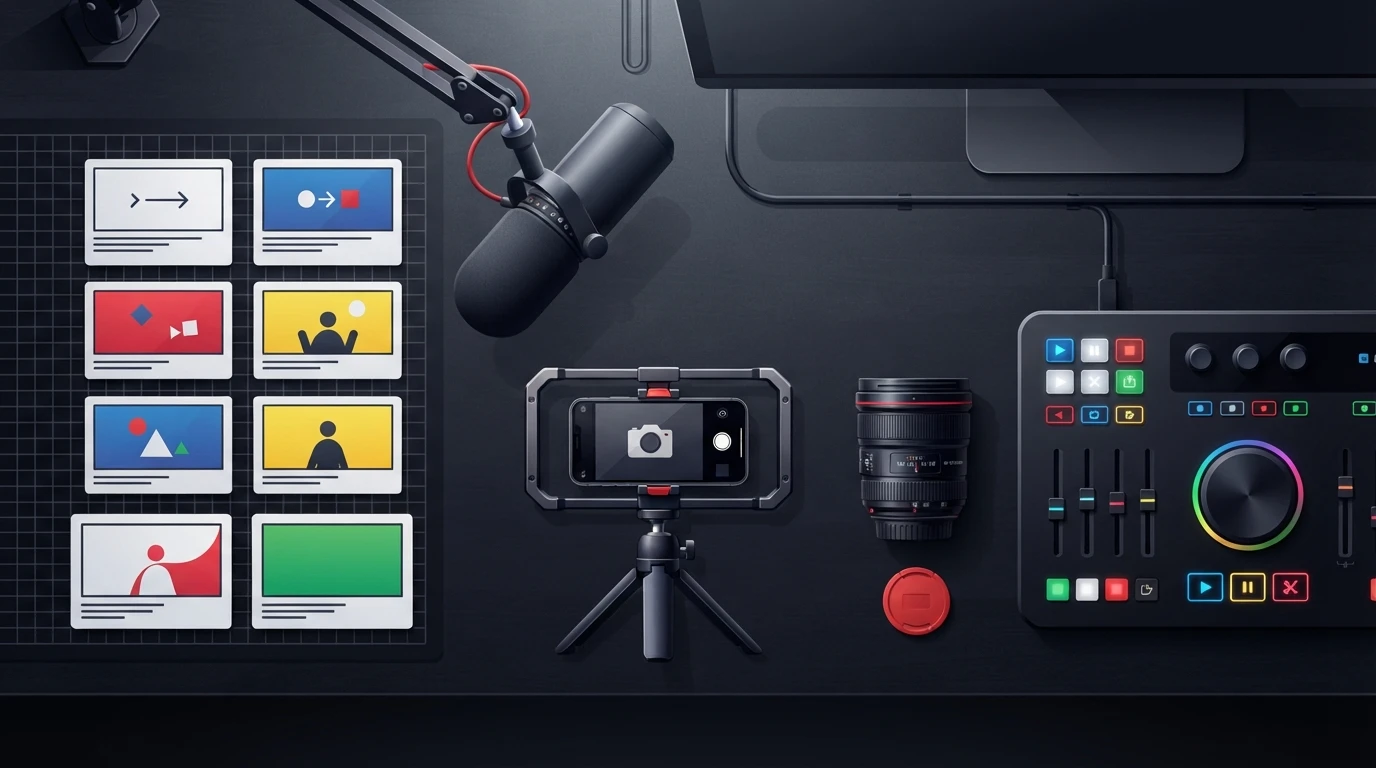
ai chat is a conversational interface powered by a large language model. For short-form creators, it can generate angles, hooks, voiceover drafts, and production ideas, then revise them through follow-up instructions. The useful part is speed. The limitation is structure: a fluent response still needs timing, visual direction, fact-checking, and brand control.
- Give AI chat a defined audience, promise, runtime, platform, voice, and output format before asking it to draft.
- Test every script aloud. Written fluency does not guarantee natural voiceover pacing or clean edit points.
- Move to a dedicated script system when you need repeatable hooks, scene-level B-roll, caption cues, SFX, CTAs, and shared brand standards.
What Is AI Chat, and What Can It Do for Scriptwriters?
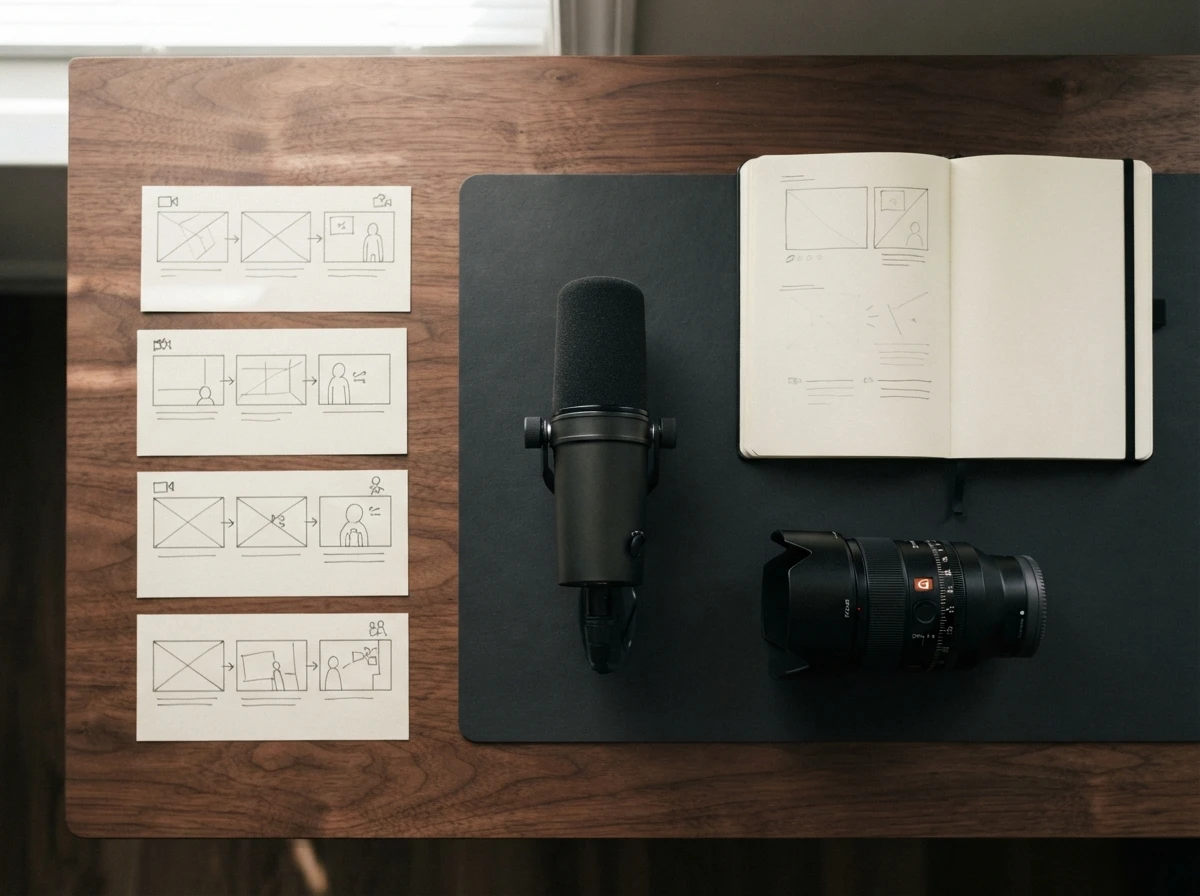
AI chat is a conversational layer over a large language model, or LLM. The model predicts useful responses from your prompt, its training patterns, and the context available within the conversation. Stanford's foundation model research explains how adaptable models support many downstream tasks, including summarization, rewriting, classification, and content generation.
For scriptwriters, the chat format matters because the first answer does not need to be final. You can ask AI to change the hook, shorten a sentence, remove jargon, sharpen the CTA, or generate a new angle while retaining relevant chat history. That makes an ask AI workflow especially useful during ideation and revision.
AI chat online tools perform best when the requested job is narrow. “Give me ten contrarian angles about meal preparation for busy parents” gives the model a clear thinking task. “Write a viral video” leaves it guessing about audience knowledge, platform, pace, proof, and visual treatment.
| Script task | Context to provide | Useful output | Human check |
|---|---|---|---|
| Topic ideation | Audience pain, niche, desired outcome | Distinct angles and objections | Relevance and originality |
| Hook generation | Core claim, awareness level, opening visual | Spoken and on-screen hook options | Credibility and stopping power |
| Voiceover draft | Runtime, tone, reading style, CTA | A concise spoken script | Read-aloud pacing |
| Production planning | Scene changes, available footage, edit style | B-roll and caption suggestions | Shoot feasibility |
| Revision | Specific weakness and desired change | Targeted rewrites | Brand consistency |
Chat history helps, but it can also collect conflicting instructions. A thread that starts with an educational tone, shifts toward comedy, and later requests a premium brand voice may produce a muddy hybrid. Start a fresh conversation when the campaign, audience, or voice changes substantially.
For narrative-led videos, the AI story generator guide for short-form video explains how to turn a broad idea into a compact setup, escalation, and payoff without cramming a long-form plot into a short clip.
How Do You Prompt AI Chat for Usable Video Scripts?
Learning how to write a video script with AI chat starts with supplying constraints in the order a writer would need them. The model needs to know who is speaking, who should care, what the viewer should understand, how long the delivery should feel, and what the production team can show.
Use this sequence:
- Define the audience, awareness level, and immediate problem.
- State the single promise or takeaway the video must deliver.
- Specify the platform, runtime, speaker voice, and desired pace.
- Request a scene-by-scene output with voiceover and production cues separated.
- Revise one weakness at a time, then read the script aloud before approval.
A ChatGPT Script Generator Prompt That Produces Editable Work
A ChatGPT script generator prompt becomes more useful when it requests decisions rather than generic creativity. The same structure works with other conversational models.
Act as a short-form video scriptwriter.

Audience: [specific viewer]
Platform: [TikTok, YouTube Shorts, or Instagram Reels]
Goal: [one viewer action or takeaway]
Runtime: [target duration]
Brand voice: [plain description plus phrases to use or avoid]
Core claim: [the point the video must prove]
Available visuals: [products, locations, screen recordings, stock footage]
CTA: [specific next action]

Create:
- An opening pattern interrupt
- A teleprompter-ready voiceover
- Scene-by-scene B-roll or camera direction
- Short caption cues for key phrases
- SFX and transition suggestions only where they improve the edit
- A looping ending that reconnects naturally to the opening

Flag any claim that requires fact-checking. Avoid invented statistics, fake quotations, and unsupported promises.
The prompt gives the model production context before prose. That reduces essay-like scripts and makes revision cheaper because the editor can identify which scene, caption, or spoken beat needs work.
Follow-up instructions should be surgical. Ask, “Rewrite the second spoken beat using shorter breath groups and keep the same claim,” or “Replace the opening with a visual contradiction that can be filmed at a desk.” Commands such as “make it punchier” offer no test for success.
Voiceover pacing requires a real read. Mark awkward breath points, repeated consonants, and sentences that force the speaker to rush. If the script exceeds the available runtime, remove a supporting point before compressing every line. Fast delivery cannot rescue an overloaded idea.
Creators building platform-specific prompts can use the TikTok script generator setup and selection guide to define hook style, scene structure, and output criteria before generating batches.
Where Does Conversational AI Produce Weak Results?

Conversational AI becomes unreliable when it lacks factual grounding, stable constraints, or production awareness. Its output can sound confident while containing fabricated details, inconsistent positioning, impractical visuals, or recycled hooks.
Hallucinations are generated claims presented without dependable support. The model may invent a statistic, attribute a quotation to the wrong person, or fill a product gap with a plausible feature. The NIST Generative AI Profile treats confabulation and information integrity as risks that require active measurement and management.
Fact-check claims against primary sources before recording. Pay particular attention to health, finance, legal advice, product specifications, quotations, dates, and comparative claims. Asking the model to cite sources helps you find claims to inspect, but a generated citation can also be wrong.
Privacy needs the same discipline. Do not paste unreleased campaign plans, customer records, private performance data, contracts, credentials, or confidential transcripts into an AI chat unless your organization has reviewed the provider's storage, training, and access policies. The UK Information Commissioner's Office provides data protection guidance for AI systems covering accountability, transparency, and lawful processing.
Brand consistency also deteriorates across isolated chats. A loose instruction such as “sound confident” may produce aggressive hooks in one session and formal corporate copy in another. A reusable brand voice template should define sentence rhythm, vocabulary boundaries, evidence standards, humor tolerance, forbidden claims, CTA style, and several approved examples.
Visual direction is another weak spot. Generic models frequently suggest “show relevant footage” or B-roll that would require assets the team does not have. If an image-to-video step is part of production, review the checks for free image-to-video AI tools before building a script around motion, export, or licensing assumptions.
When Should You Use a Dedicated Script System Instead?
Use a dedicated script system when the output must move directly from idea to recording, editing, approval, and export. AI chat remains useful for exploration, but repeated production demands stable fields and reusable rules.
A general AI video script generator usually returns prose unless you carefully prompt every production layer. A structured system separates the spoken line from the B-roll instruction, camera direction, kinetic title, caption cue, SFX, transition, CTA, and looping ending. Editors can act on that format without reverse-engineering a paragraph.
| Workflow need | General AI chat | Dedicated script system |
|---|---|---|
| Rapid brainstorming | Strong | Strong |
| Open-ended follow-up discussion | Strong | More structured |
| Consistent scene fields | Requires repeated prompting | Built into the workflow |
| Teleprompter-ready output | Requires cleanup | Dedicated script view |
| Reusable brand voice | Can drift between chats | Template-based control |
| Batch generation | Manual thread management | Batch workflow |
| Team organization | Scattered conversations | Shared script library |
| Production export | Copy and reformat | Purpose-built export |
ViralScript AI structures scripts for 15-, 30-, and 60-second formats, with pattern-interrupt hooks, teleprompter voiceover, beat-level visuals, editing cues, and looping instructions. Its practical advantage appears when a creator or production team needs the same structure across batches, channels, and collaborators rather than a single conversational draft.
Choose script creator software when chat cleanup has become a recurring production task. Warning signs include editors repeatedly asking what footage belongs under a line, creators trimming every voiceover after recording, and channel managers losing approved versions across separate conversations.
A hybrid workflow is often the strongest choice. Use AI chat to explore angles, objections, analogies, and alternative hooks. Move the selected concept into a structured script writing generator for timing, scene design, brand control, review, and export.
Frequently Asked Questions
What is the best script generator for short-form video?
The best script generator matches your production process. Look for runtime control, teleprompter formatting, scene-level visual instructions, reusable brand voice rules, revision tools, and exports your editor can use without rebuilding the script.
What is a good hook for a video?
A good hook creates an immediate information gap while staying faithful to the payoff. Use a surprising visual, a specific problem, a credible contrarian claim, or a result the viewer wants, then connect it directly to the next spoken beat.
What are effective hooks for social media videos?
Effective social hooks combine spoken language with an opening visual and concise on-screen text. Avoid broad openings such as “Have you ever wondered”; start at the moment of tension, consequence, or useful discovery.
What is the best teleprompter app for using an AI-written script?
Choose a teleprompter that supports adjustable scroll speed, large text, remote control, mirrored display, and easy script import. The script itself should use short breath groups and visible paragraph breaks so the speaker can maintain eye contact without sounding read.
AI chat can remove hours of blank-page work, but dependable short-form production still requires timing, visual specificity, factual review, and a repeatable structure. When you are ready to turn conversational drafts into production-ready scripts, get started with ViralScript AI and build the workflow around how your team actually records and edits.