A tiktok script generator should turn a topic into a shoot-ready plan, not a block of polished prose. The right tool controls hook timing, voiceover pace, visuals, captions, sound, CTA, and export format. This guide explains what drives cost, what inputs to prepare, and how to select and configure a usable workflow.
- Judge a generator by its output structure: hook, spoken lines, shot direction, captions, audio cues, CTA, and looping instructions.
- Prepare audience, outcome, proof, brand voice, and format inputs before generating. Better prompts reduce rewrites more than elaborate prompt wording.
- Compare free and paid tools by generation limits, batch capacity, seats, export restrictions, and revision credits rather than the headline subscription price.
What Are You Actually Choosing in a TikTok Script Generator?
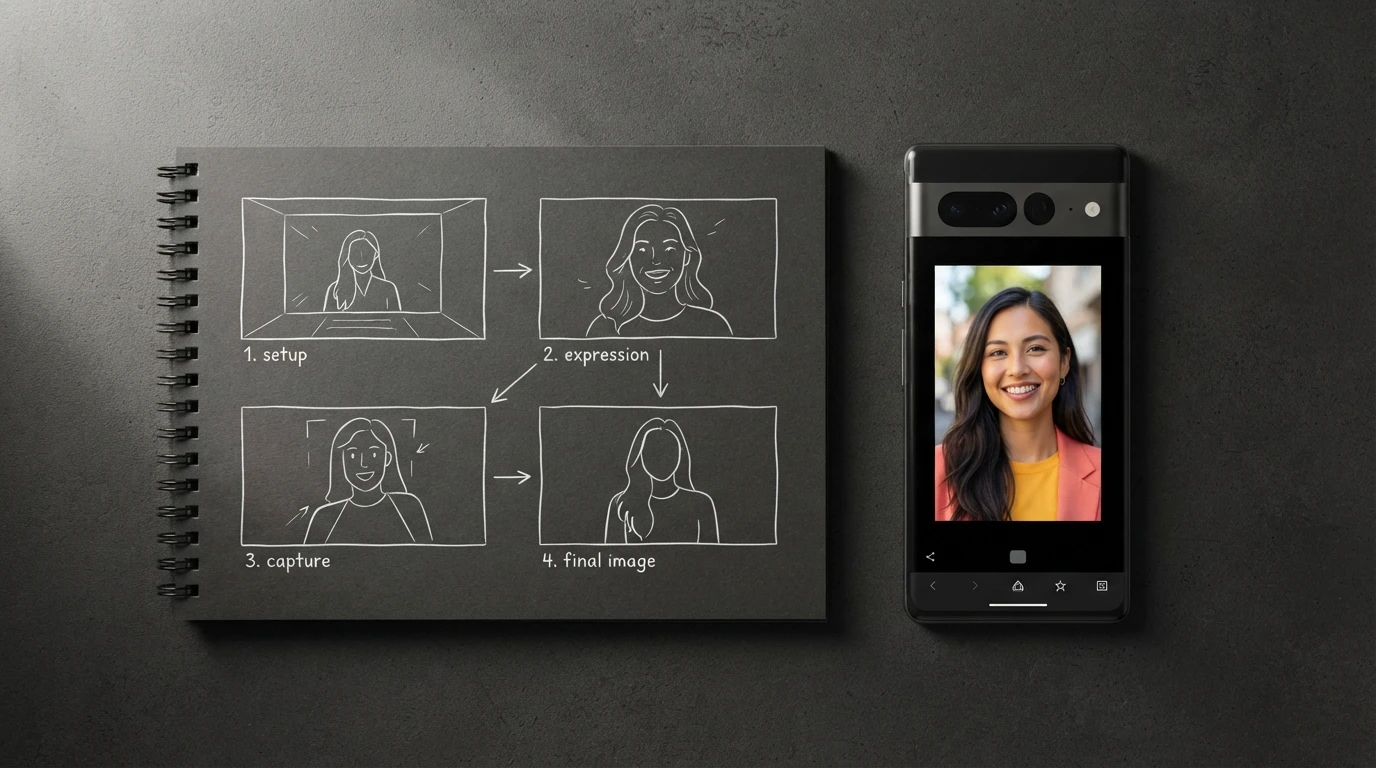
A tiktok script generator is a production planning tool that converts an idea into timed spoken and visual beats for a vertical video. Selection should focus on the structure of the output, the control available before generation, and how easily the result moves into recording and editing.
Generic writing assistants often return an introduction, several explanatory paragraphs, and a closing sentence. That structure reads like an essay when spoken. A short-form script needs an immediate pattern interrupt, compressed phrasing, deliberate visual changes, and enough timing information to prevent a creator from rushing the final CTA.
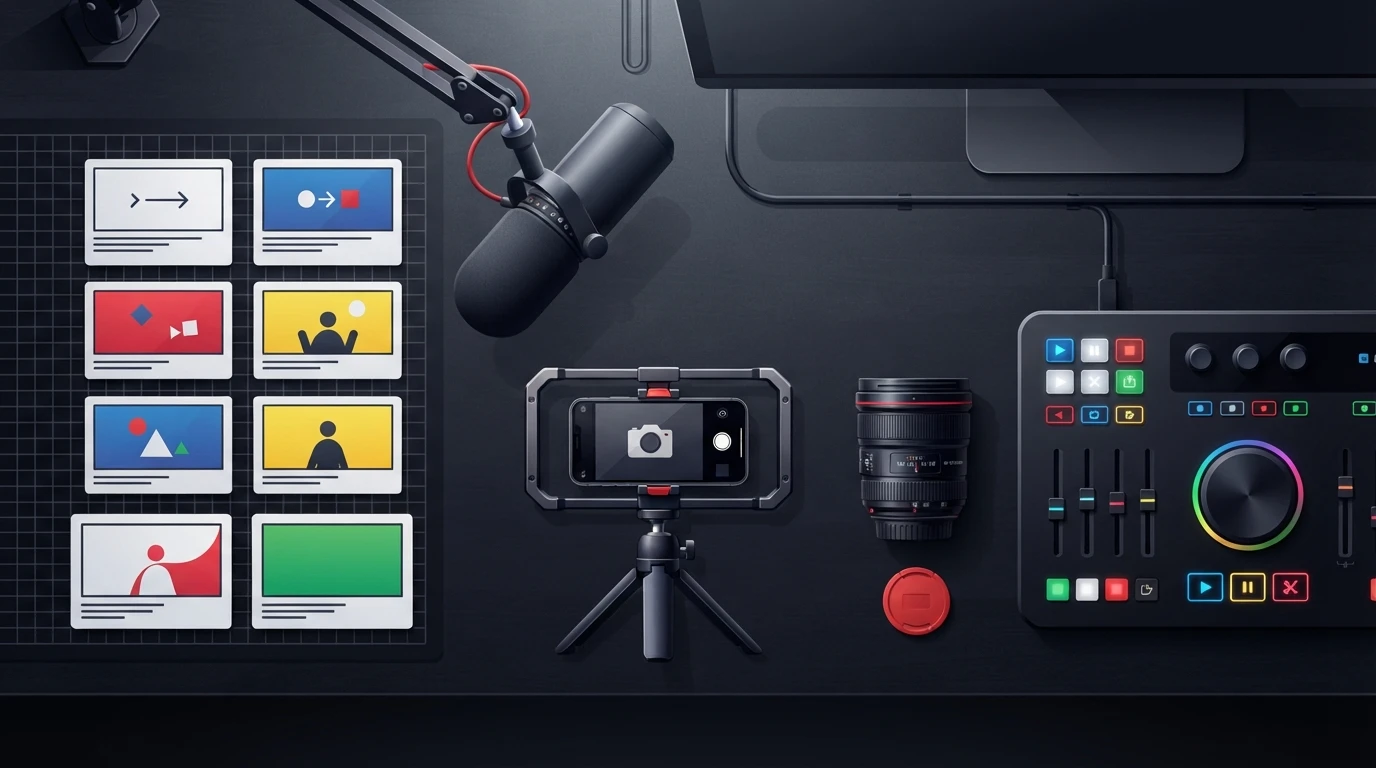
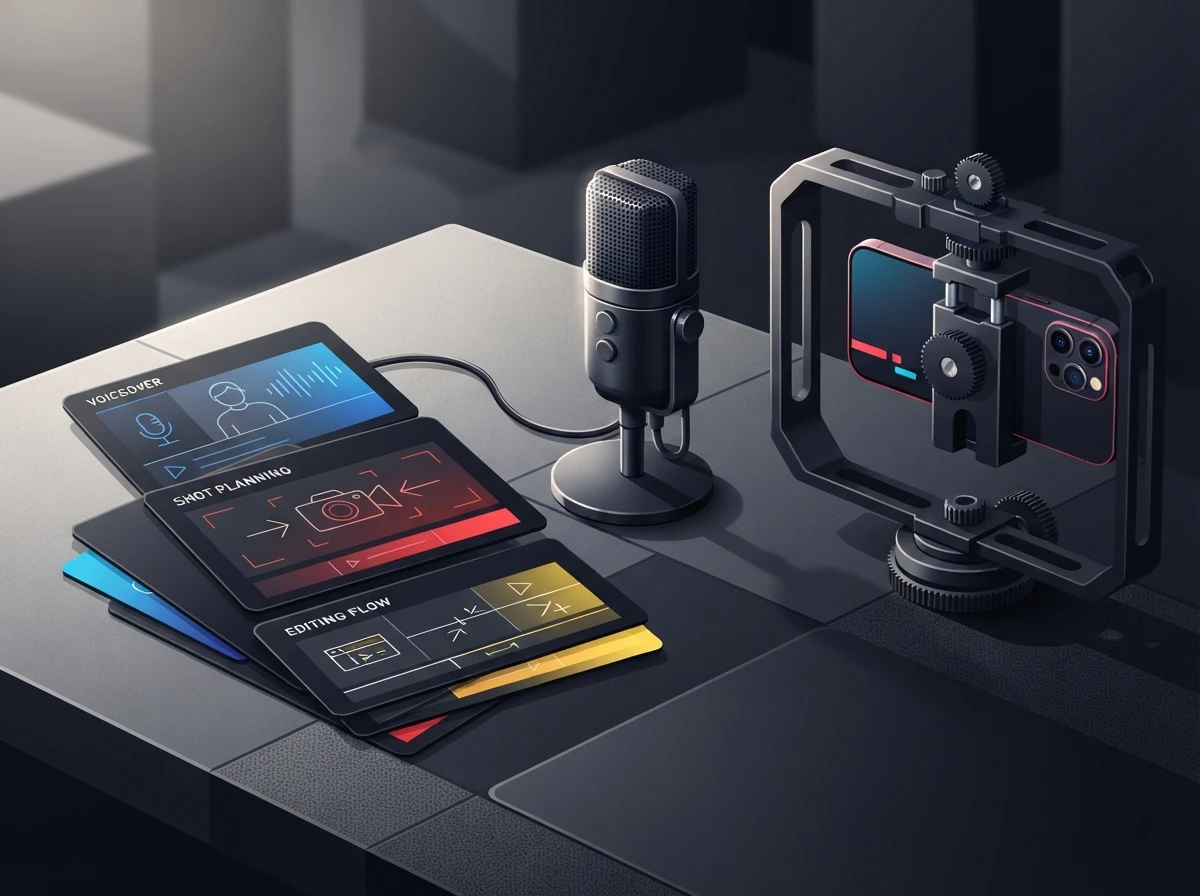
ViralScript AI builds scripts around a 3-second pattern interrupt, then supplies teleprompter-ready voiceover, beat-by-beat B-roll, camera direction, kinetic captions, SFX, transitions, CTA placement, and looping instructions. That structure also reflects TikTok for Business creative guidance, which emphasizes native vertical production, attention-grabbing openings, sound, and concise storytelling.
Use this comparison when reviewing any script writing generator:
| Capability | Basic text generator | Retention-focused script tool | Why it matters |
|---|---|---|---|
| Opening | General introductory sentence | Timed visual or verbal pattern interrupt | Gives viewers a reason to stop scrolling |
| Voiceover | Paragraphs | Short teleprompter-ready lines | Supports natural breath and emphasis |
| Visual plan | Occasional suggestions | B-roll and camera cues by beat | Removes guesswork during production |
| On-screen text | Full sentences | Selective kinetic captions | Highlights the words that carry meaning |
| Audio | Rarely specified | SFX and music-change cues | Reinforces cuts and reveals |
| Ending | Generic follow request | Specific CTA or loop into the opening | Creates a deliberate final action |
| Workflow | Copy and paste | Library, collaboration, and export controls | Keeps production organized at scale |
A tool labeled as an AI video script generator may still produce text only. Likewise, a Canva script to video generator or VEED.io script generator may prioritize assembling a finished video from text. Decide whether you need a script production system, a video assembly system, or both.
Visual specificity matters. “Show relevant footage” leaves an editor searching blindly, while “close-up of cracked phone screen, slow push-in, caption appears on impact” gives the production team a usable shot. The same principle applies when sourcing Pexels free stock videos or generating motion from stills. Our guide to checking image-to-video AI tools before production explains the downstream quality and usage checks that belong after scripting.
What Do Free AI Script Generators and Paid Tools Cost?
A free AI script generator usually costs time before it costs money. Free access may be enough for occasional ideation, but production teams should inspect generation caps, prompt length, saved projects, revision allowances, brand templates, collaboration, and export limits before committing.
Dollar prices change. The more durable calculation is cost per approved, exportable script, including manual cleanup and editor handoff. A cheap tool becomes expensive when every script needs to be reformatted into voiceover lines, shot notes, and caption instructions.
| Cost driver | Free access often provides | Paid access should be checked for |
|---|---|---|
| Generation capacity | Limited prompts or daily usage | Higher volume and batch generation |
| Script length | Short or loosely controlled output | Defined short-form duration formats |
| Brand controls | Instructions repeated in each prompt | Reusable brand voice templates |
| Revisions | Regeneration of the full response | Beat-level rewrites and saved versions |
| Storage | Temporary history or local copying | Searchable cloud script library |
| Collaboration | Single-user workflow | Shared libraries and multi-seat access |
| Export | Plain copy and paste | Teleprompter, caption, document, or bulk export |
| Commercial workflow | Terms may require review | Clearer team and publishing controls |
Check whether exports consume credits separately from generation. Also confirm whether “unlimited” generation is subject to fair-use throttling, whether batch jobs count per script, and whether invited editors require paid seats. These details usually create the real price difference between solo and team use.
Searches for a quillbot ai script generator or ToolBaz AI script generator commonly begin with text generation. That can work for rough ideas. A creator publishing several channels will get more value from saved brand profiles, status labels, batch processing, and exports to shared destinations such as Notion or Google Docs.
Review the current ViralScript AI pricing and plan details against your expected publishing volume. Calculate how many scripts must be generated, revised, approved, and exported during a normal production cycle. Do not base the decision on the number of ideas you can generate in a quiet week.
How to Write a Video Script: What Inputs Should You Prepare?
How to write a video script starts with defining the viewer and the promised payoff before drafting the hook. A generator can tighten language, but it cannot infer which audience objection, product proof, or creator habit matters unless you supply that context.
Prepare a compact creative brief. State the topic in one sentence, identify the intended viewer, name the desired outcome, provide the evidence available, and specify the action the viewer should take. For a sales script generator or advertisement script generator, include the offer mechanics and mandatory disclosure language as well.
The strongest inputs answer these questions:
| Input | Weak version | Production-ready version |
|---|---|---|
| Topic | “Morning routines” | “A morning planning method for freelance editors handling overlapping deadlines” |
| Audience | “Creators” | “Solo editors posting educational content while managing client work” |
| Promise | “Be productive” | “Prioritize today’s edit without rebuilding the whole project schedule” |
| Proof | “It works” | “Demonstrate the method using a calendar and active project board” |
| Brand voice | “Confident” | “Direct, conversational, short sentences, no hype or motivational clichés” |
| Hook style | “Make it catchy” | “Open with a calendar being crossed out while the voiceover challenges daily to-do lists” |
| CTA | “Follow for more” | “Save the process and use it before opening the editing timeline tomorrow” |
A brand voice template should cover vocabulary, sentence rhythm, banned phrases, point of view, pronunciation, and CTA style. Add one approved sample and one rejected sample if the platform accepts reference text. Contrasting examples expose tone boundaries much faster than adjectives such as “fun” or “professional.”
Choose duration from the amount of proof required. ViralScript AI supports 15-, 30-, and 60-second formats as documented product formats. A short reveal may fit the briefest option; a process demonstration or objection-led pitch needs more room. Cutting a long script after generation often damages pacing because the setup survives while the proof disappears.
Story-led videos need character, tension, and a visible change, even when the finished clip is short. The AI story generator guide for short-form video shows how to compress narrative beats without turning the voiceover into plot summary.
For sponsored content, include disclosure requirements in the brief rather than adding them after approval. The FTC endorsement guidance for social media creators explains that material connections should be disclosed clearly and in a place viewers can notice.
How Do You Generate, Refine, and Export a Usable TikTok Script?
A usable tiktok script generator workflow moves through controlled generation, spoken-language editing, visual validation, and export. Generating repeatedly without changing the inputs usually produces cosmetic variations rather than a stronger production plan.
-
Set the format and objective. Choose the publishing platform, target duration, audience action, and script type before writing the topic prompt. A tutorial, reaction, product demonstration, and direct-response ad need different pacing.
-
Generate hook variants first. Compare openings by spoken clarity and visual interrupt, not clever wording alone. Keep the hook that creates a specific unanswered gap while remaining accurate to the content.
-
Build the script by beats. Each beat should contain a voiceover line, visual instruction, and editing action. If a line introduces a new idea without a corresponding shot or caption change, the visual track will feel static.
-
Read the voiceover aloud. Remove throat-clearing phrases, stacked clauses, and words that look polished but feel awkward in speech. Mark pronunciation and emphasis before moving the script into a teleprompter.
-
Validate every production cue. Confirm that the suggested B-roll exists or can be captured, camera directions fit the location, captions remain brief, and SFX support the cut rather than competing with speech.
-
Check the final action and loop. The CTA should match the video’s goal. A looping ending should connect logically to the opening image or phrase instead of repeating the first line without context.
-
Export for the next operator. Send clean voiceover to the teleprompter, caption text to the editor, and the full multi-scene plan to the shared workspace. Preserve scene labels so feedback can target a beat instead of rewriting the entire script.
Captions need special attention. They improve access and help viewers follow speech in environments where audio is unavailable, but automated text should still be checked for names, technical terms, timing, and punctuation. The W3C guidance on captions for prerecorded media provides a useful accessibility baseline for spoken content.
For batch generation, lock the brand template and output schema before uploading a topic set. Change one variable at a time, such as hook style or CTA type. If every row uses a different audience, tone, duration, and format, quality review becomes inconsistent and editors cannot identify which instruction caused the problem.
A free AI script to video generator may combine drafting, stock selection, voice synthesis, and rendering. Review each stage separately. The best script to video AI generator for a faceless channel may be unsuitable for a personal brand that records original footage and needs precise camera cues rather than automatic scene assembly.
Frequently Asked Questions
Is there a free TikTok script generator available?
Yes, free generators and limited-access plans are available, but their storage, revisions, brand templates, batch generation, and exports can be restricted. Test one complete workflow from prompt to teleprompter or editor handoff before deciding that free access meets your needs.
How do you get a script for a TikTok video?
Enter a specific topic, audience, promise, proof point, duration, voice style, and CTA into a short-form script tool. Refine the result until every spoken beat has a workable visual and the voiceover sounds natural when read aloud.
Can you give me an example of a short TikTok script structure?
Open with a visual disruption and one-line hook, demonstrate the problem, reveal the solution, show proof, then deliver a relevant CTA. Assign B-roll, caption emphasis, camera movement, and sound cues to each beat rather than adding them after recording.
What is the best script generator for short-form video?
The best choice produces timed spoken lines and actionable production direction while fitting your publishing volume. Compare hook controls, duration formats, brand voice templates, batch tools, collaboration, revision workflow, and export options.
What is the best teleprompter app for using a generated script?
Choose one that supports adjustable speed, text size, mirroring, remote control, and easy script import. Test the exported line breaks because teleprompter pacing depends as much on script formatting as on scroll speed.
The right setup should move a script from idea to recording without forcing the creator or editor to reconstruct the production plan. Prepare one representative brief, generate a complete video, and inspect every beat through export. When you are ready to test that workflow, get started with ViralScript AI.