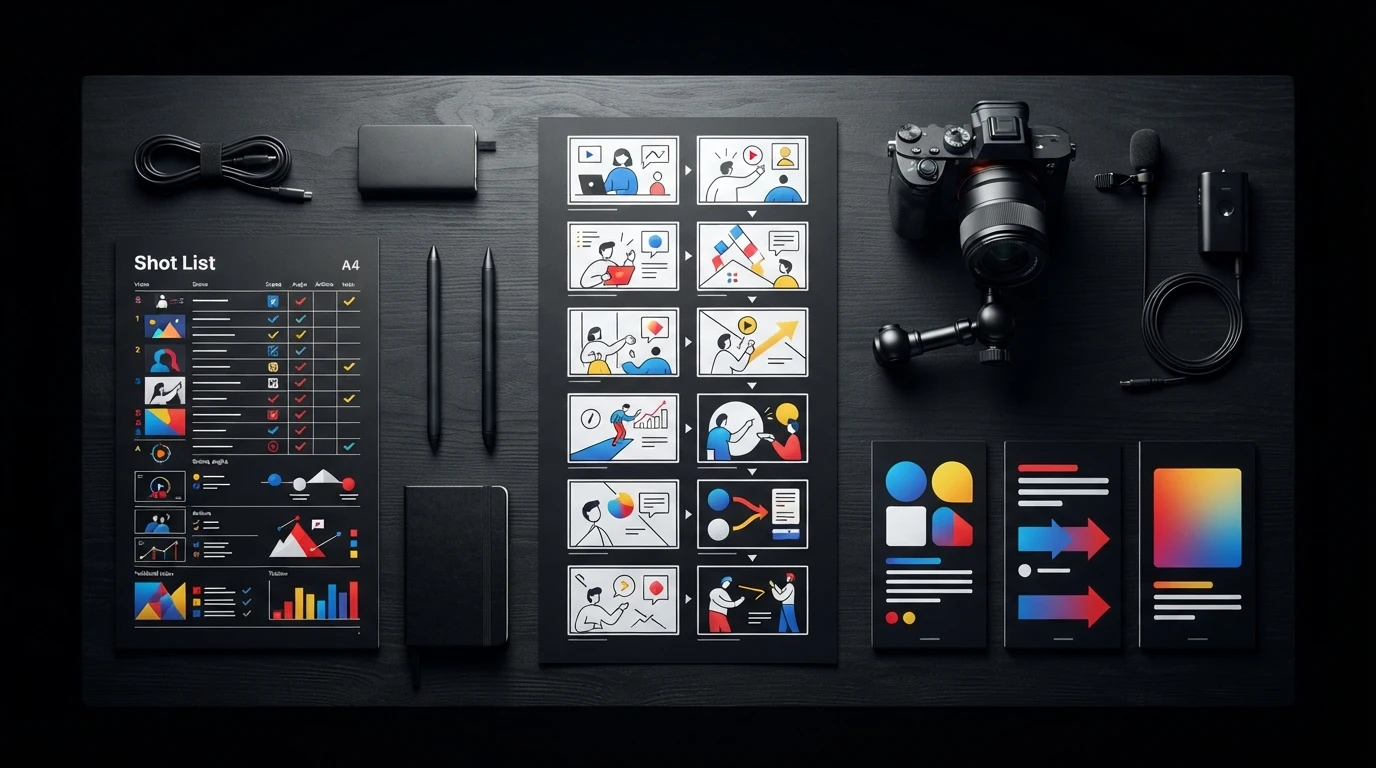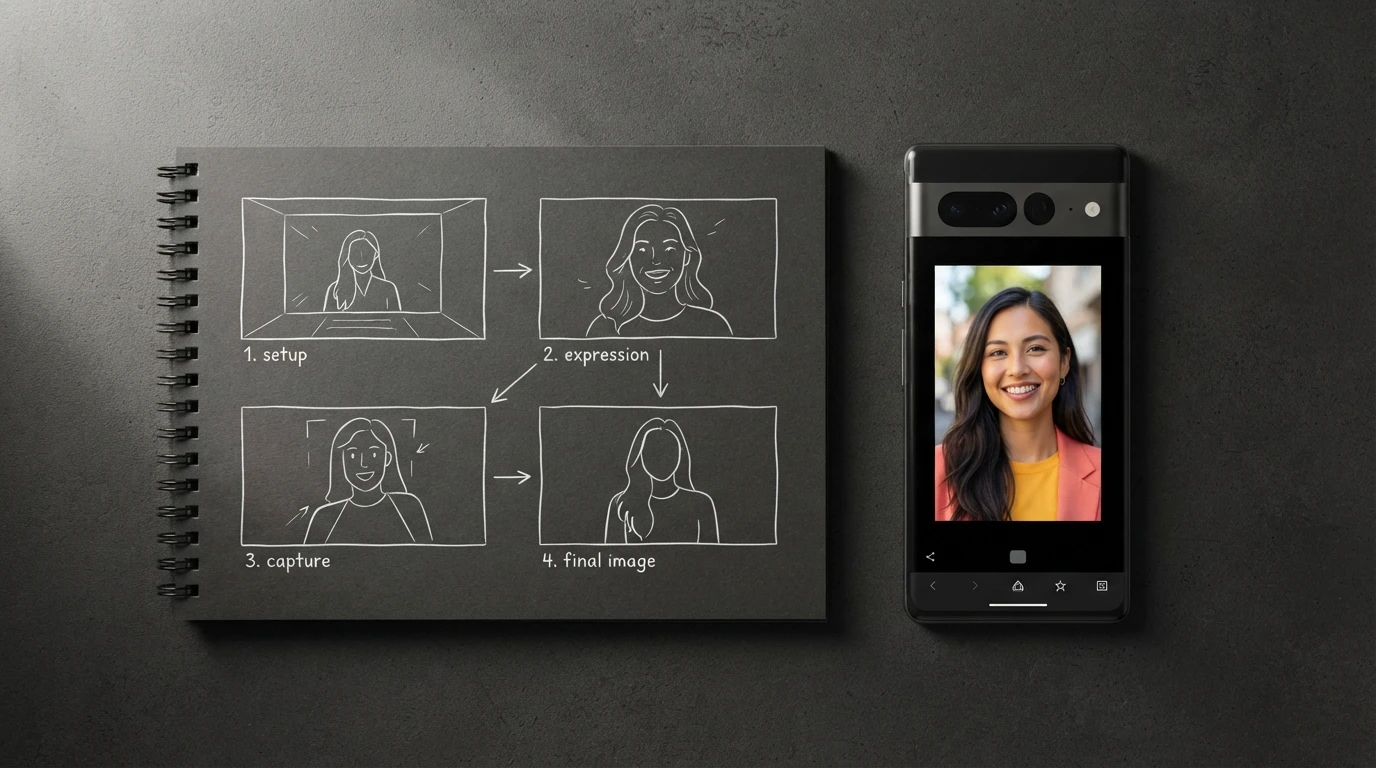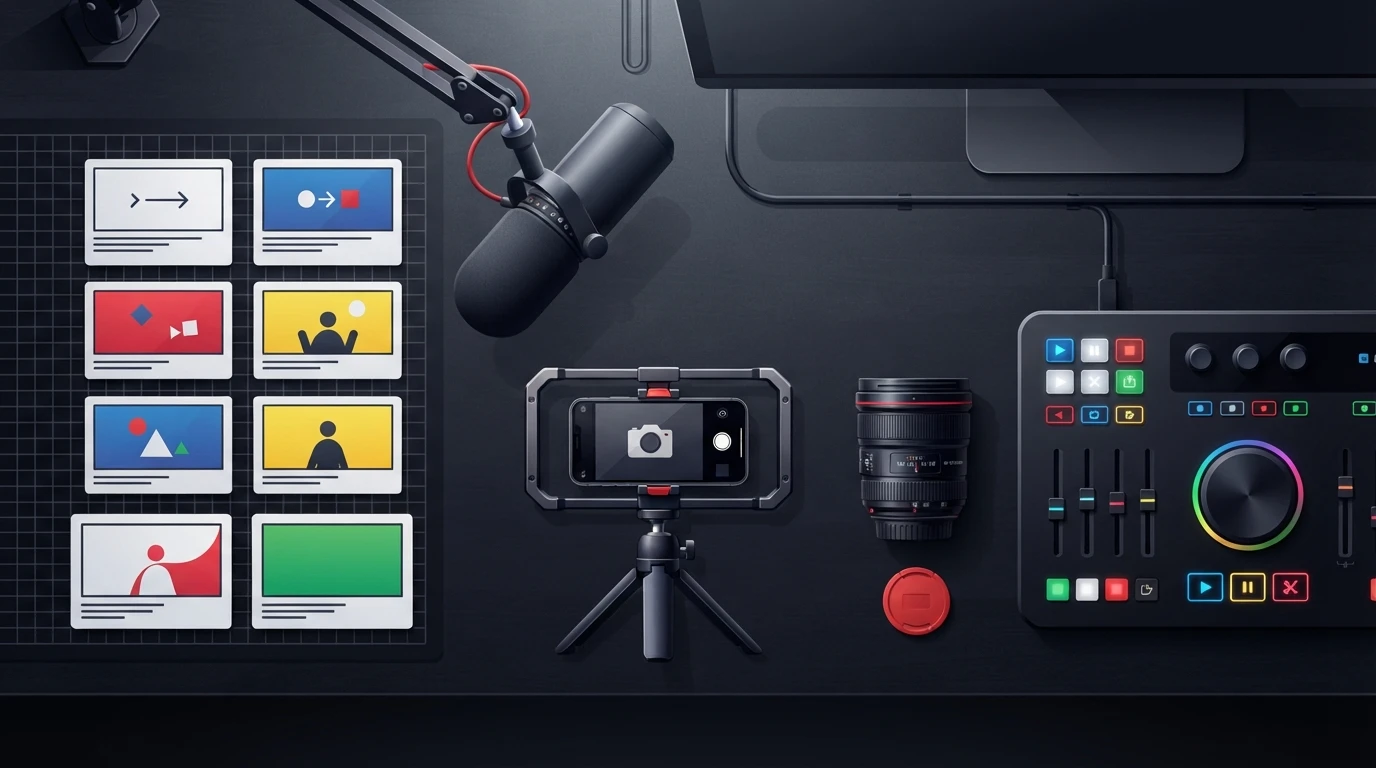
An ai story generator turns a raw premise into a timed narrative with a hook, escalating conflict, payoff, and scene plan. This guide shows how to shape that output for short-form videos, then evaluate voiceover pacing, B-roll, captions, sound cues, calls to action, and looping endings before production.
- Start with a premise, audience, desired reaction, and visual constraint. A topic alone rarely produces a coherent short-form story.
- Give every beat a production job: stop the scroll, create tension, reveal evidence, deliver the payoff, or prompt the next action.
- Match narrative complexity to runtime. A 15-second video usually supports one reveal, while longer formats can carry context and escalation.
- Judge generators by production readiness, including voiceover pacing, shot direction, captions, SFX, transitions, and export options.
What Does an AI Story Generator Actually Create?
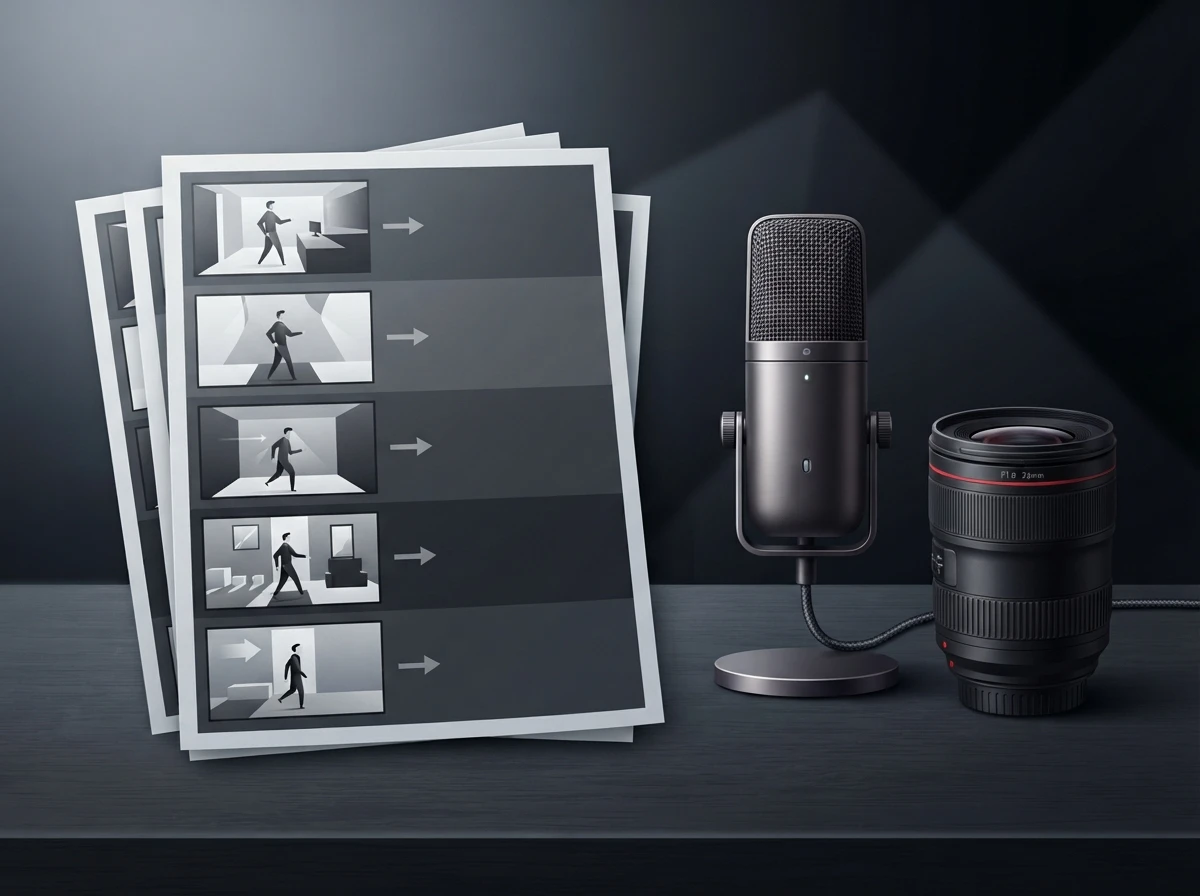
An AI story generator creates a sequence of connected narrative beats from instructions about a character, problem, setting, tone, and outcome. For short-form video, useful output goes beyond prose. It should tell the creator what viewers hear, what they see, when the scene changes, and why they should keep watching.
The output usually has four layers:
| Story layer | What it controls | Short-form example |
|---|---|---|
| Narrative | Hook, conflict, escalation, payoff | A creator makes a common mistake, tests a fix, and reveals the difference |
| Voiceover | Spoken wording and delivery rhythm | Short clauses, intentional pauses, emphasis, and natural contractions |
| Visual direction | Camera angle, B-roll, props, captions | Close-up of the mistake followed by a side-by-side demonstration |
| Edit plan | Cuts, SFX, transitions, CTA, loop | Impact sound on the reveal and a final frame that reconnects to the opening |
That distinction matters because a readable story can still make a weak video. A paragraph beginning with background information gives the editor no immediate pattern interrupt, while an abstract line such as “consistency is the key to success” provides no concrete shot to film.
TikTok’s official creative guidance on hook, body, and close reinforces a practical structure: earn attention immediately, develop the message, then finish with a clear action. The story generator should translate that structure into executable beats rather than produce an essay with line breaks.
ViralScript AI approaches this as a production document. Its scripts combine psychology-backed opening interrupts with beat-by-beat B-roll, camera, caption, SFX, transition, CTA, and looping instructions, all presented in a teleprompter-ready format.
How Does an AI Story Generator Turn an Idea Into a Structured Story?
An AI story generator converts an idea into a script by identifying the promise, selecting a narrative arc, compressing the conflict, and assigning each beat a visual purpose. Strong generation starts with constraints. “Make a video about productivity” leaves too many creative decisions unresolved.
A better prompt specifies the audience, false belief, proof, tone, visual resources, runtime, and desired next action:
Write a short-form story for freelance designers who keep missing deadlines. Open with an unfinished project on screen, challenge the belief that they need more motivation, demonstrate a simple scheduling change, and end by looping back to the unfinished project. Use conversational voiceover and visuals that one person can film at a desk.
A reliable generation workflow follows this order:
- Extract the promise. Define the useful or emotional change the viewer will receive.
- Choose the tension. Introduce a mistake, risk, unanswered question, contradiction, or unmet desire.
- Build the beats. Move from hook to context, escalation, proof, payoff, and action.
- Assign visuals. Give every spoken beat a shot, prop, screen recording, B-roll clip, or kinetic title.
- Test the ending. Confirm that the CTA feels earned and the final frame can connect naturally to the opening.
The hook should create a precise information gap. “You are using your calendar wrong” has more narrative pressure than “Here are some calendar tips” because the viewer wants to identify the error. The next shot must begin resolving that gap quickly; delaying the evidence makes the opening feel manipulative.
Conflict can be small. A cooking video might contrast a soggy result with a crisp one. A coach might challenge an expensive habit. A product demonstration might show a slow manual workflow before revealing the shortcut. Short-form storytelling needs friction, but it rarely needs a villain or elaborate backstory.
Visual planning should happen during generation, not after the voiceover is approved. If a line cannot be shown through action, an object, interface footage, a reaction, or a concise caption, rewrite it. This single test removes much of the vague language that makes generated scripts sound like essays.
How Can You Adapt an AI Story Generator for 15, 30, or 60 Seconds?
Short-form video script writing requires changing the number and depth of story beats, rather than speaking the same script faster. ViralScript AI supports 15-, 30-, and 60-second formats, which cover fast hooks, compact explanations, and fuller narrative demonstrations.
Use this editorial timing model as a starting point:
| Format | Recommended story shape | Visual approach | Best use |
|---|---|---|---|
| 15 seconds | Hook, proof, payoff | Immediate demonstration with rapid cuts | One insight, reveal, comparison, or reaction |
| 30 seconds | Hook, context, conflict, proof, payoff | Mix of direct-to-camera footage and B-roll | Tutorials, myth corrections, compact stories |
| 60 seconds | Hook, setup, escalation, turning point, proof, payoff | Multiple scenes with breathing room for evidence | Case breakdowns, transformations, explainers |
A 15-second script should usually carry one central claim. Remove greetings, credentials, repeated setup, and secondary advice. Put the strongest visual evidence in the opening shot, then let the voiceover explain what the viewer is already seeing.
Thirty seconds gives you room to establish the cost of the problem. Keep that context concrete: missed deadlines, wasted ingredients, confusing analytics, or an empty content calendar. Change the visual whenever the narrative function changes, especially when moving from problem to proof.
A 60-second story can support a genuine turning point, but every scene still has to earn its place. Although YouTube’s official Shorts guidance allows videos up to three minutes, extra runtime does not excuse slow setup. The first image and spoken line still need to establish tension before viewers swipe.
How to Write a Video Script That Sounds Spoken
Knowing how to write a video script means writing for breath, emphasis, and comprehension. Read the voiceover aloud at normal delivery speed. If you instinctively replace a phrase, stumble over a sentence, or run out of breath, revise the copy rather than forcing the performance.
Use contractions and direct verbs. Break complex explanations across scene changes so the visual can carry part of the meaning. A caption should highlight the operative phrase, such as “remove this step,” instead of transcribing a dense sentence in tiny type.
Looping endings work best when the final line changes the meaning of the first frame. A video opening on a failed cake might end with “and that is why this one collapsed,” returning viewers to the opening image with new understanding. Repeating the first sentence mechanically tends to feel like an editing trick.
What Should You Check Before Choosing a Generator?
A TikTok script generator, movie script idea generator, and free AI script generator solve different problems. Choose according to the document you need at the end of the workflow, not the amount of text the tool can produce.
| Generator type | Primary output | Useful for | Common limitation |
|---|---|---|---|
| AI TikTok script generator | Hook-led vertical video script | Reels, Shorts, TikTok posts | May omit detailed editing direction |
| Movie script generator | Scenes, dialogue, characters, plot arcs | Screenplay concepts and longer narratives | Produces too much setup for short-form retention |
| Random script generator | Unpredictable prompts or scenarios | Ideation exercises and creative warmups | Limited audience or campaign control |
| Play script generator | Dialogue and stage direction | Theatre scenes, rehearsals, educational plays | Stage conventions rarely map cleanly to vertical video |
| Sales script generator | Objection handling and conversion language | Product videos and direct-response content | Can sound forced without story or visual proof |
| Script-to-video generator | Script plus generated scenes | Rapid visual drafts | Visual continuity and brand fit require review |
Searches for a QuillBot AI script generator or ToolBaz AI script generator often begin as comparisons of writing interfaces. For production teams, the more useful question is whether the output includes scene-level ownership: what the presenter records, what the editor inserts, which caption receives emphasis, and where the sound cue lands.
The best script to video AI generator for a given workflow also depends on asset control. Canva script-to-video tools and AI avatar categories such as DreamFace focus heavily on converting text into rendered visual media. A dedicated script generator should make the creative plan inspectable before footage is generated, especially when a human presenter or editor will execute it.
Check whether the tool supports reusable brand voice templates, collaborative libraries, batch generation, teleprompter views, and structured exports. Teams comparing workflow costs can review the available script generation pricing and plan structure before deciding whether shared access and bulk exports justify a paid tier.
Asset sourcing matters too. Pexels free stock videos can fill establishing shots or generic actions, and the Pexels license permits free use and modification, subject to its stated restrictions. Avoid writing a script that depends on highly specific footage you cannot film, license, or generate consistently.
If outside specialists will handle shooting or post-production, use a script detailed enough to quote and schedule accurately. The guide to choosing a video production company explains how to evaluate portfolios, process, communication, and production fit before handing over the concept.
Frequently Asked Questions
Is there a free TikTok script generator available?
Yes, free generators and limited-access writing tools are available. Evaluate whether they produce platform-specific hooks, visual direction, captions, and edit cues, since plain voiceover text still leaves much of the production work unfinished.
What is the best script generator for short-form video?
The best option produces spoken copy and an executable scene plan for your target platform. Prioritize runtime controls, hook variations, B-roll direction, teleprompter formatting, brand voice settings, and export compatibility.
Is there a free AI hook generator available?
Free hook generators can help create initial angles, but each hook must match the evidence delivered by the video. Reject vague curiosity lines and exaggerated promises that the payoff cannot support.
What is the best teleprompter app for using an AI-generated script?
Choose a teleprompter that supports adjustable speed, large readable text, remote control, and easy script import. The right reading speed depends on the speaker, so rehearse aloud and revise difficult sentences before recording.
A useful AI story generator should move a premise all the way to a filmable plan: one audience promise, deliberate tension, spoken pacing, available visuals, and an ending that rewards attention. To build your first production-ready script and inspect the complete workflow, get started with ViralScript AI.